Product Overview
  Enterprise Package
  Integrations
  Security
  Hardware
  FAQ
FAQ 
 How Evocon Works
  Downtime Tracking
  Manufacturing Data Collection
  Production Monitoring
  Continuous Improvement
  Quality Control
 Learn
Learn  Case Studies
  Reports and Tools
  OEE Fundamentals
  Increasing Productivity
  Sustainability in Manufacturing
 The 5-Day Guide to Launch OEE Monitoring in 2026
 OEE Calculator
  ROI Calculator
  OEE Excel Template
  Evocon
  Contact
  Join us
  Sign in
 Back to main menu
 Dashboard
  Factory overview
  Reports




Shift View
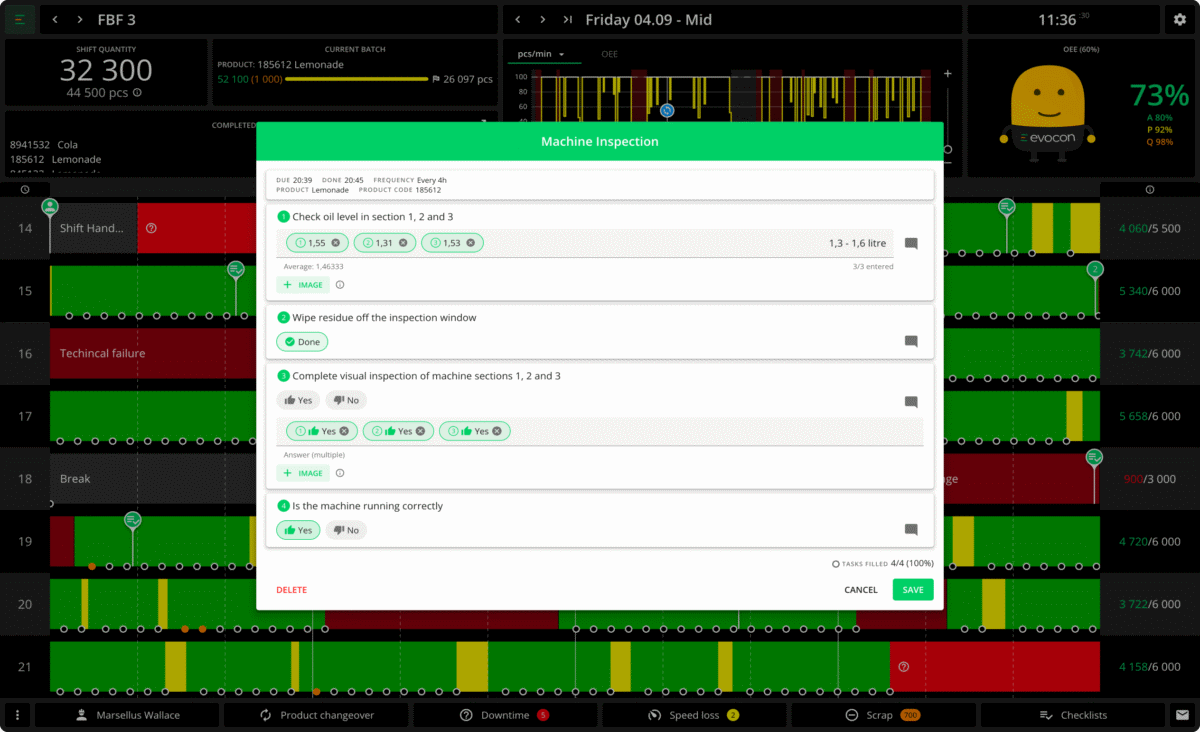
Monitor production shifts in real-time
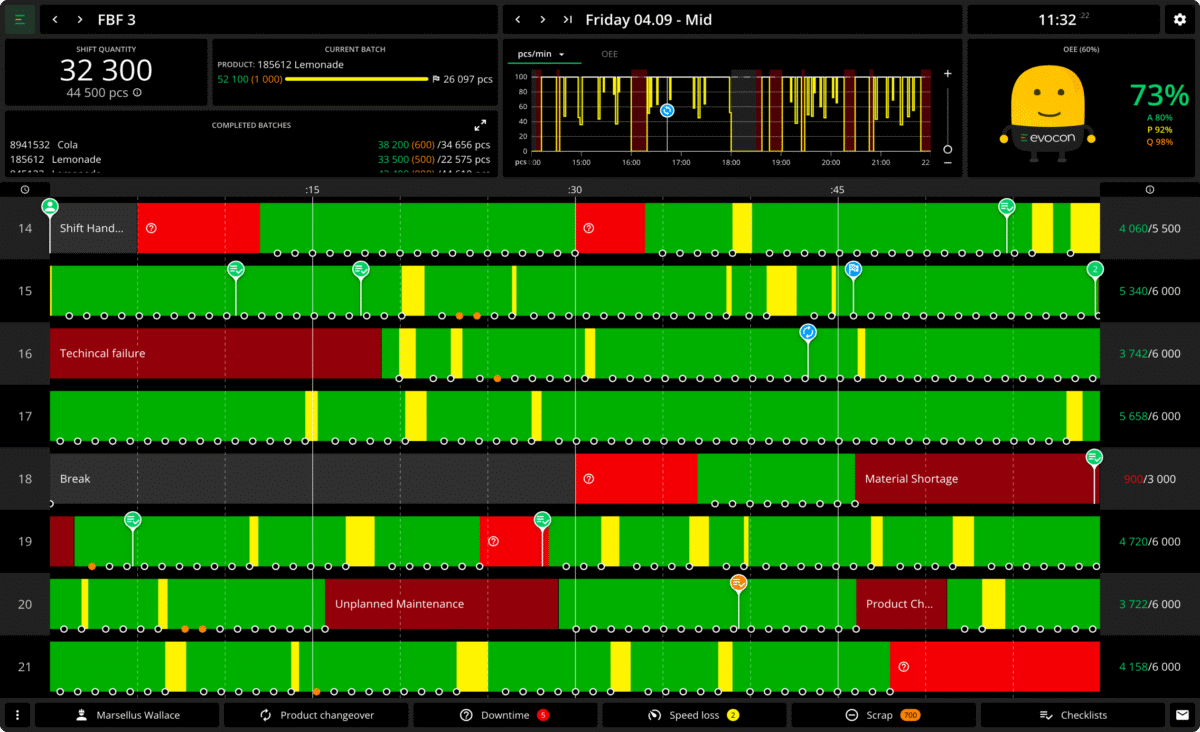
Shift View helps you, in real-time, track and analyze the performance of all your production shifts across different dates, stations, factories, and countries.
"Evocon as a real-time OEE tool has engaged the whole shop-floor working with the losses, resulting in faster solving of problems and improved quality of waste elimination projects."
Aivar Künnapuu
VP Operations, Sales & Marketing
Yara International ASA